Original Games

Original games for Mega Drive systems. Free to download and play.

Compatible platforms MARK 16 and some Mega Drive* emulators

Not all emulators are guaranteed.

The Building

ザ・ビルディング / Mega Drive software (playable prototype)

Download

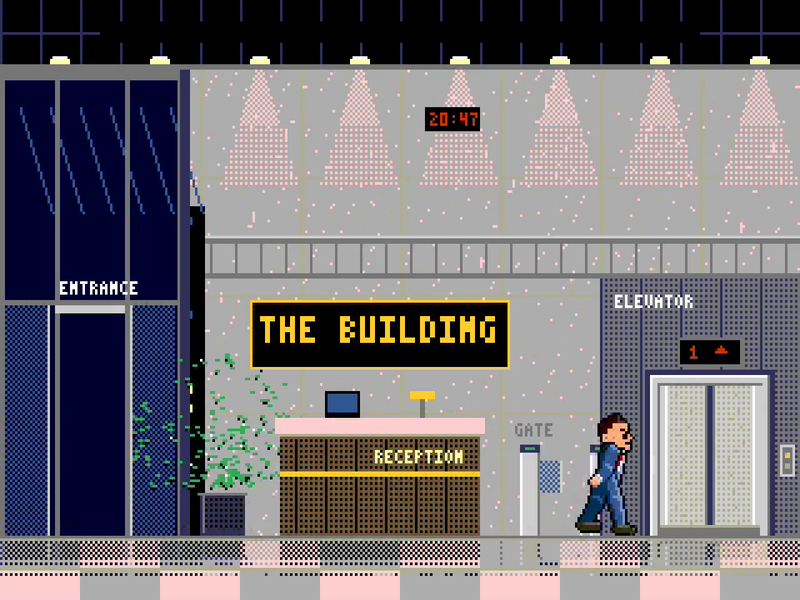
You play an office worker climbing from the 2nd floor to the rooftop of a high-rise hit by disaster (earthquake and fire), then escaping by helicopter. The intro takes you from the 1st-floor lobby into an elevator; just after you reach the 2nd floor, a large explosion hits the 1st floor (you can skip the intro with START).
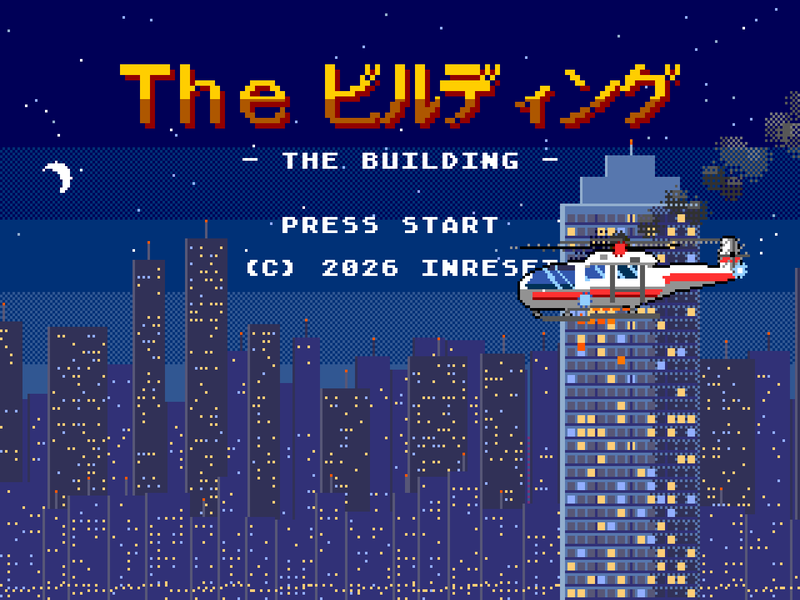
Title screen of The Building: a night skyline, a burning tower, and a helicopter
Title screen
Intro on the 1st-floor lobby, with the hero walking toward the elevator
Intro: 1st-floor lobby
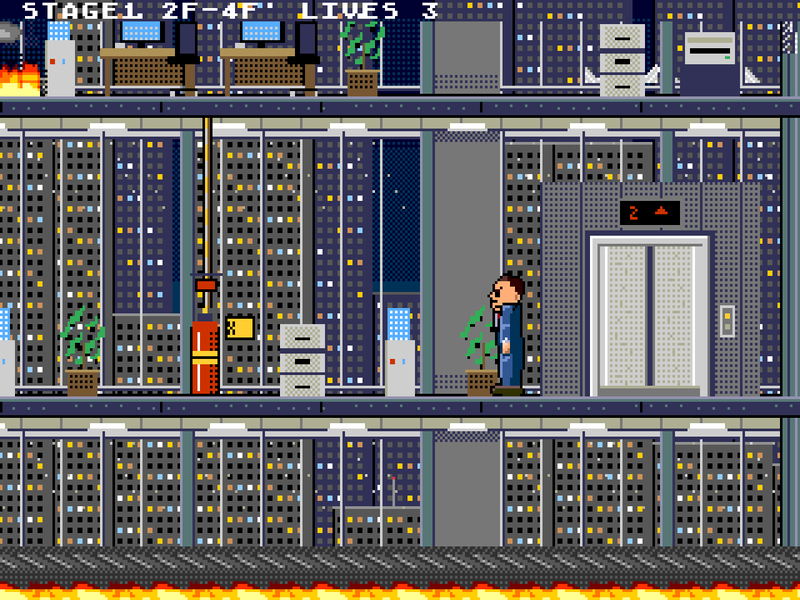
Stage 1 office floors, with fire rising from below and the hero by the elevator
Stage 1 (floors 2–4)
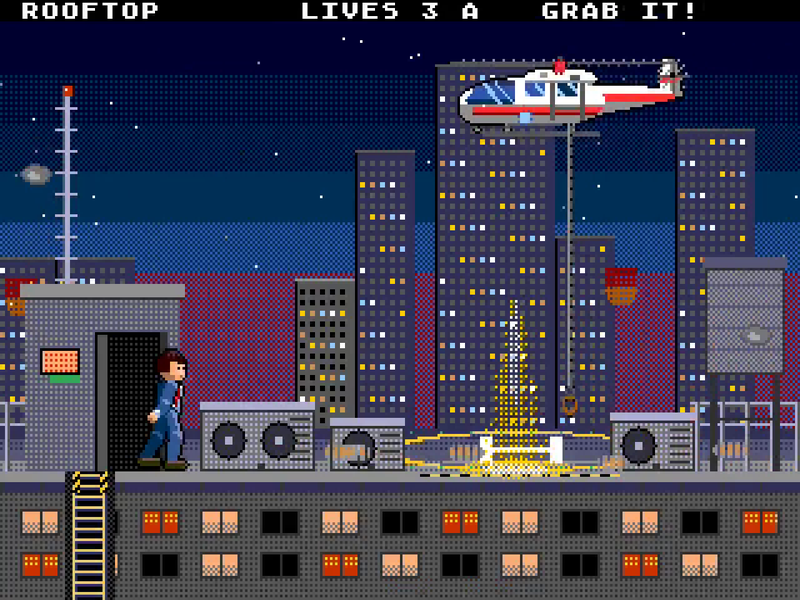
The rooftop, with a helicopter lowering a rope ladder and a prompt to grab it
Rooftop rescue

Controls

D-pad left/rightWalk (you speed up, then slide a little when you let go)
A / B / CJump (hold longer to jump higher; while on a ladder, jump off)
D-pad up/downClimb or descend ladders and ropes. Hold up in mid-air to grab a ledge
D-pad downBrace yourself on a sloping floor so you do not slide
While hangingUp or forward to pull up (down or a button to let go)
A/B/C on a ropeLet go (hold left or right to leap that way)
STARTFrom the title, start the intro. Press again during the intro to skip to gameplay on the 2nd floor

What's in the game

Tested on MARK 16 real hardware and on BlastEm 0.6.3.

How to play on MARK 16

  1. Create a MARK16 folder at the root of the microSD card (this is not the older MDTANG folder).
  2. Unzip the download and copy the_building.bin into MARK16/ROMS.
  3. Insert the card into the console and choose the game from the list. You can also add it with the Mark16Manager PC app.

Download The Building

Free to play. Please do not redistribute it for sale. The zip includes the ROM and a short readme (Japanese and English) with controls and compatible platforms.
Simple Drum

シンプルドラム / Mega Drive software

Download

A simple drum kit in the middle of the screen, played with the buttons on your pad. You can play freely, drum along with three original tracks in Session, or change the button mapping in Option.

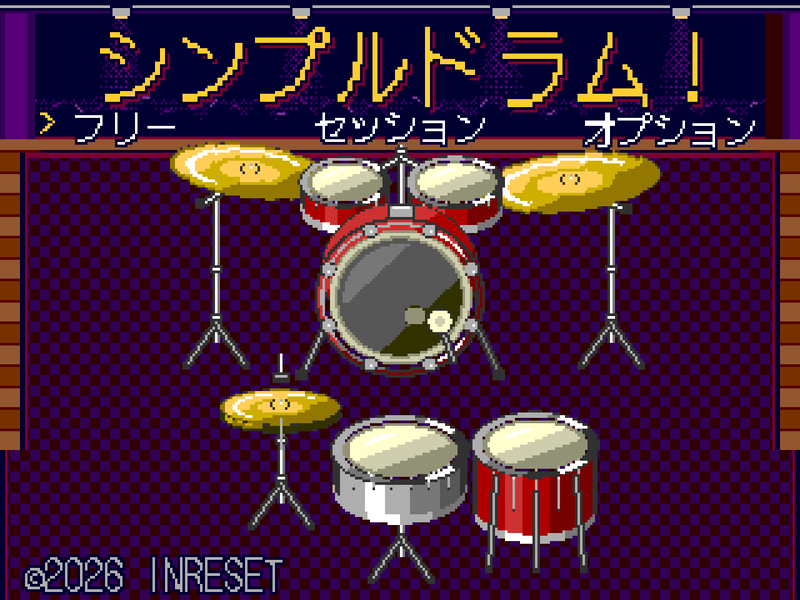
Simple Drum title screen, with Free, Session and Option, and the drum kit
Title screen
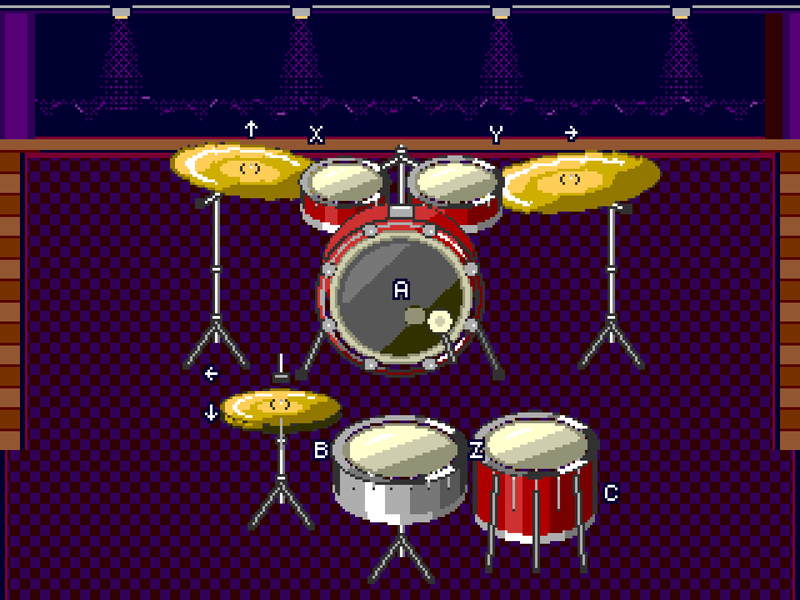
Free play, with button labels on each part of the kit
Free play
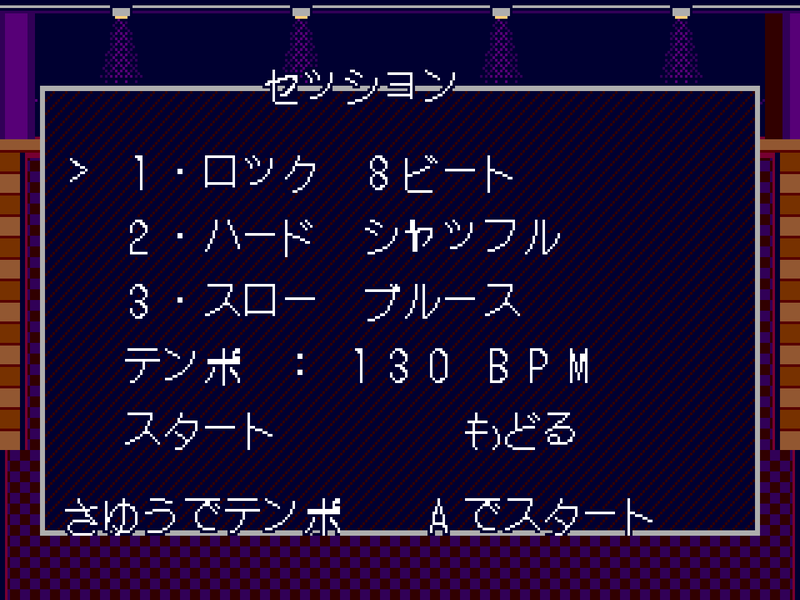
Session track select: Rock 8-beat, Hard shuffle and Slow blues
Session: track select
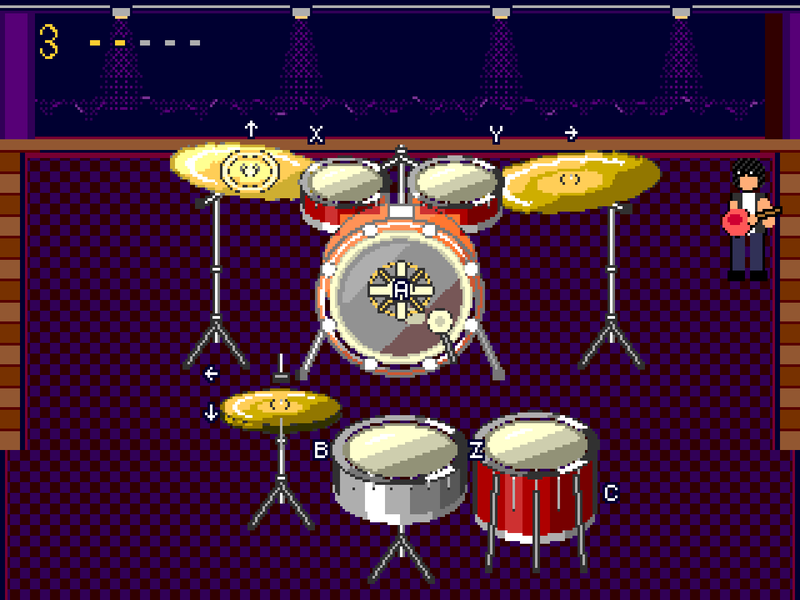
Session play, with a kick hit, a guitarist on the right, and a groove meter
Session in progress

Controls

The title menu is Free / Session / Option. Choose with up/down, and confirm with A, C or START. Press START during play to return to the title. MODE is not used.

ABass drum (kick)
BSnare
CFloor tom
XHigh tom
YMid tom
ZRim / clap
UpCrash cymbal
DownOpen hi-hat
LeftClosed hi-hat
RightRide cymbal

The table above is the default mapping. In Option you can change the pad type (AUTO / 6-button / 3-button), layered sound (off / on; off by default), and the sound assigned to each input. The menus can be used with a 3-button pad. Settings reset when you power off.

Session

Adjust the tempo with left/right and start. After a 4-beat count-in, a lead guitar, bass and power chords play, and you can drum along freely. A guitarist appears on the right, and a beat counter plus a groove meter are shown at the top left (no fail condition). All drum samples are original synthesized sounds.

How to play on MARK 16

  1. Create a MARK16 folder at the root of the microSD card (this is not the older MDTANG folder).
  2. Unzip the download and copy simple_drum.bin into MARK16/ROMS.
  3. Insert the card into the console and choose the game from the list. You can also add it with the Mark16Manager PC app.

Download Simple Drum

Free to play. Please do not redistribute it for sale. The zip includes the ROM and a short readme (Japanese and English) with controls and compatible platforms.
I'm Alice. Try the original games!
Alice